Bring Your Instagram Saves Onto the Mat
Share a clip from YouTube, Instagram, or Facebook straight into Jiu Jitsu Style and pin it to the technique it teaches.
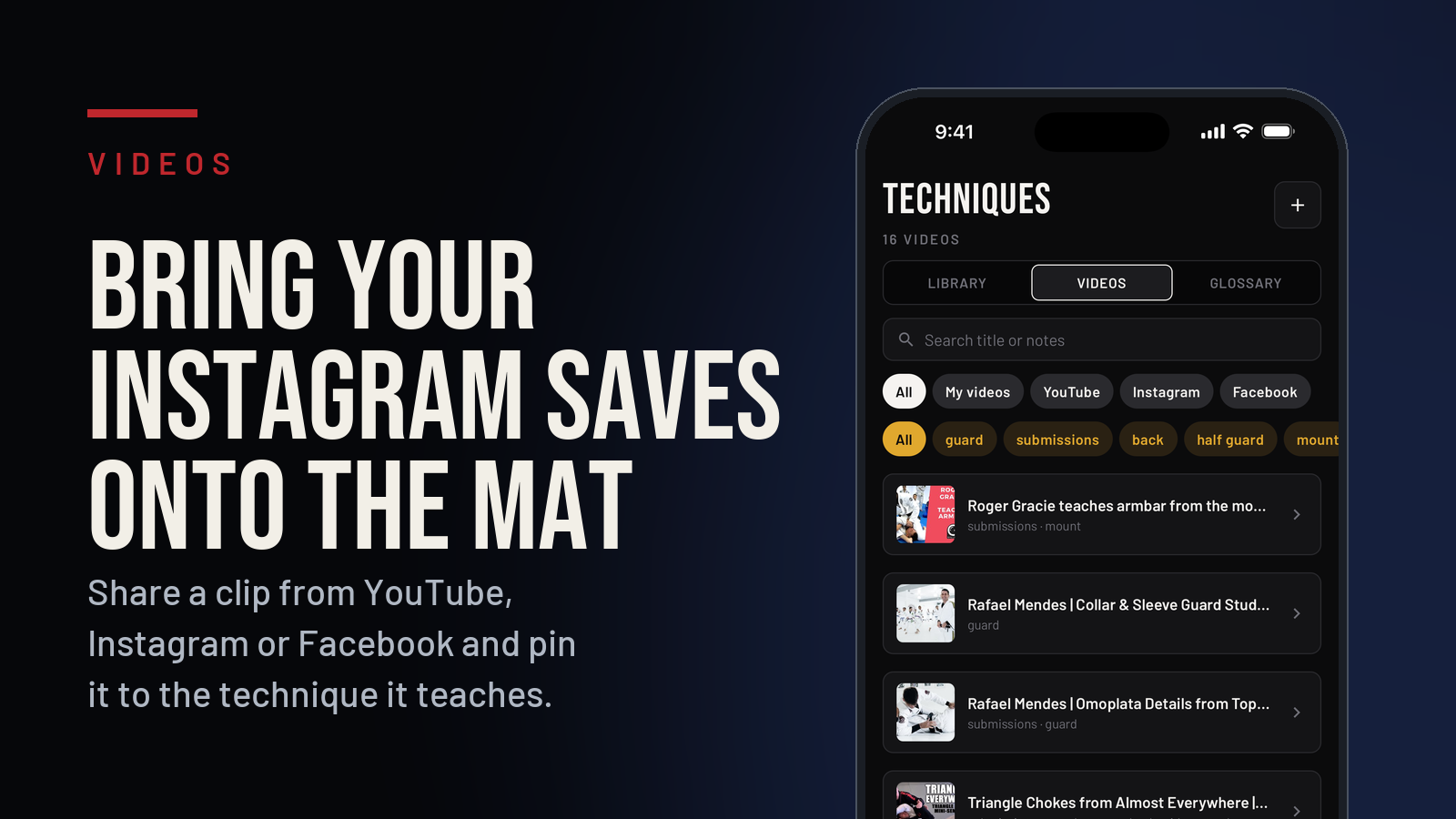
Be honest. How many technique clips have you saved on Instagram that you have never watched again? That folder is a graveyard. Jiu Jitsu Style gives those clips a home next to the technique they actually teach.
From YouTube. Copy the link and paste it into the app. Done.
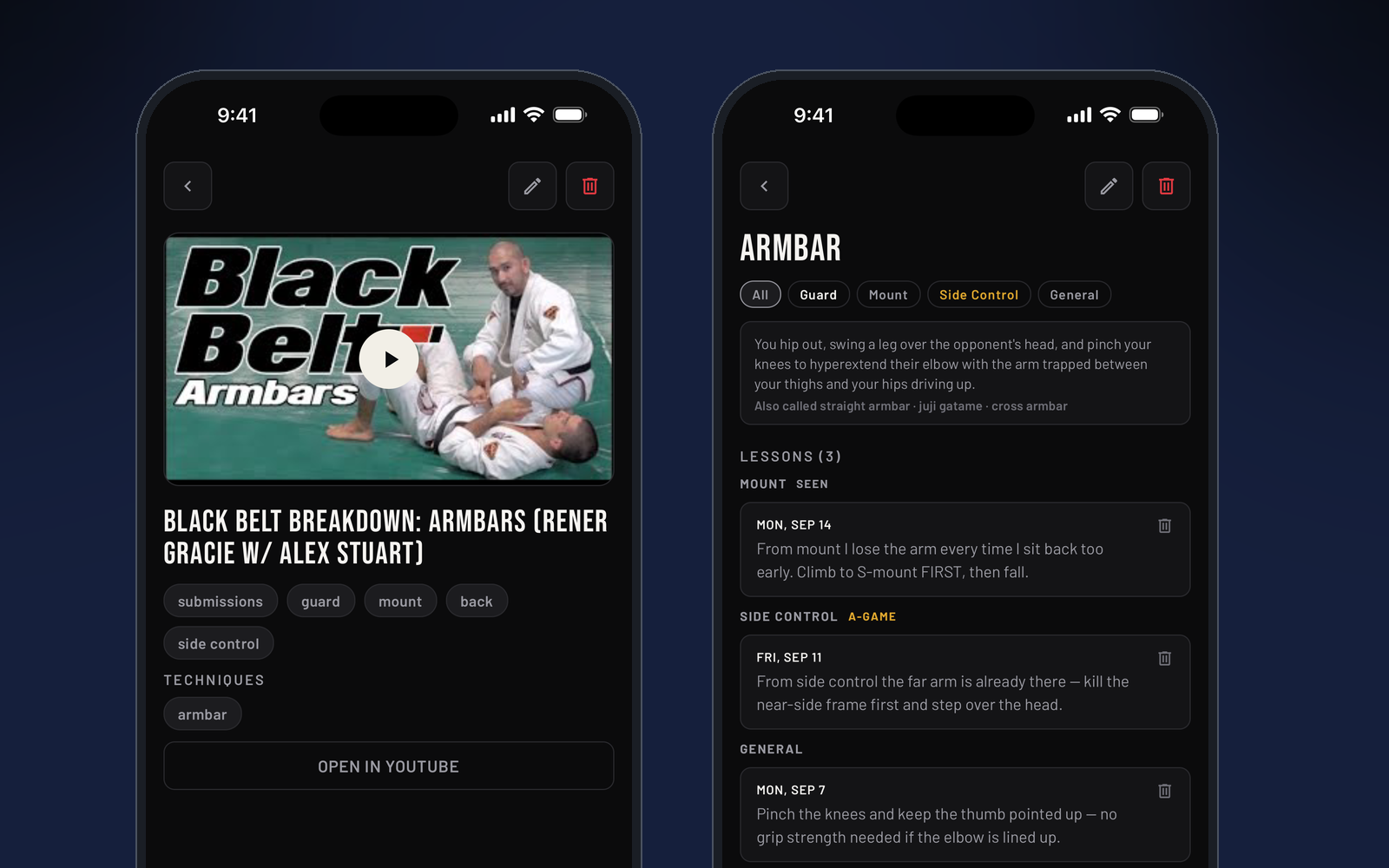
From Instagram. Find the clip, tap the share arrow, and choose Jiu Jitsu Style. The clip lands in the app, and you pick which technique to attach it to.
Do not see Jiu Jitsu Style in the share sheet? Scroll the row of apps to the end, tap More, then Edit, and add Jiu Jitsu Style to your favorites. It will show up every time after that.
From Facebook. Same idea. Share, choose Jiu Jitsu Style, pick the technique.
Once attached, a clip lives on that technique's card in the glossary and in your library. Tap it and it opens in the app it came from, so you get the full video, the comments, and the creator's page. Nothing is re-uploaded or copied. You are just building an index.
Attach the same clip to more than one technique if it covers a chain. Attach ten clips to one technique if that is what you are drilling this month. The point is that next time you are working on a half guard pass, everything you have ever saved about it is one tap away.
The save feature is part of the Jiu Jitsu Style app, free on iOS alongside the articles, the tournament calendar, and belt-by-belt sequences to follow. Some features are premium, and new users get the first week free to try everything. See what it does, or get it on the App Store.